
Materials and filament knowledge
Start with the material behavior—not a magic number.
This guide explains how common FDM materials behave and what to check when you tune a starting profile. The printer, nozzle, spool, storage, environment, and part geometry still matter.
Material families
Choose for the job you are making.
EFUGY includes starting settings for common FDM materials. Tune them for the exact spool and printer you use.
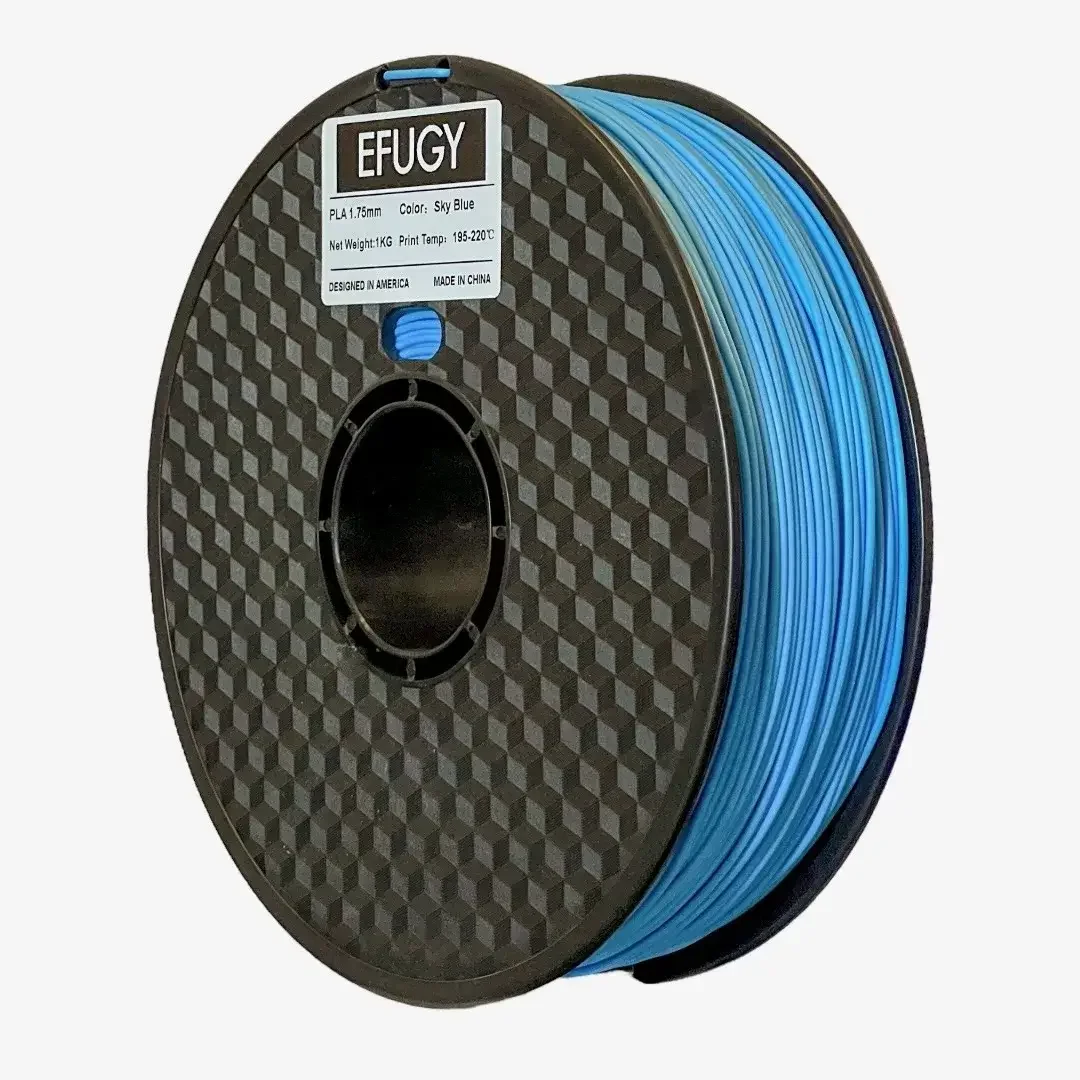
PLA
Rigid, widely used, and approachable for models, prototypes, fixtures, and display work. Often a sensible baseline for a new workflow.
- Watch
- First-layer adhesion, cooling, brittleness, heat resistance
- Tune with
- Spool, nozzle, temperature, layer height, speed, result
PETG
Tougher and more temperature-tolerant than many PLA workflows, but stringing, adhesion, and surface finish require deliberate tuning.
- Watch
- Moisture, stringing, nozzle buildup, excessive bed adhesion
- Tune with
- Drying state, retraction, cooling, surface, result
TPU
Flexible material for grips, covers, bumpers, wearables, and soft functional parts. Feed path and hardness matter as much as temperature.
- Watch
- Feed-path constraint, speed, retraction, moisture, Shore hardness
- Tune with
- Hardness, extruder path, speed, nozzle, deformation result
ABS and ASA
Useful where heat resistance and outdoor behavior matter, but enclosure, ventilation, warping, and material-specific safety deserve more attention.
- Watch
- Ventilation, enclosure, shrinkage, fumes, chamber behavior
- Tune with
- Machine enclosure, room safety, temperatures, warping result
Silk PLA
A finish-focused PLA family. Color and shine can change with temperature, layer orientation, geometry, and speed.
- Watch
- Layer bonding, heat, sheen consistency, brand formulation
- Tune with
- Exact spool, photo in consistent lighting, settings, finish notes

A useful starting profile
Save the settings that worked.
Keep the printer, nozzle, material, speed, and finished result together so you can return to a good setup.
Model, nozzle, extruder, firmware, build surface, enclosure.
Brand, type, color, hardness where relevant, age, drying state.
Profile version, temperatures, layer height, speed, flow, cooling, infill, supports.
Photo, measurements, surface notes, failure points, and the next adjustment.
Materials in practice
Start with the material. Refine at the printer.
Use the Slicer to choose a practical starting profile, then adjust for the exact spool, machine, nozzle, environment, and surface you want. When you need filament, check the Shop for current products, prices, and availability.