
Known issues and limits
Know what to check before you export.
Find current limits and workarounds for models, profiles, devices, files, and printer transfer.
Large or dense models can take longer on mobile.
Version 3 imports raw G-code faster and makes long operations easier to cancel. Very large meshes and toolpaths can still need more time and memory.
What to do:Keep the app active during a long operation, use cancellation when needed, reduce unnecessary mesh density in a trusted tool, and try a smaller model if you need to isolate the problem.
Manufacturer Beta and Community Beta profiles need a careful first run.
Version 3 includes the QREATTE Slice1 Manufacturer Beta and Easythreed K10 Community Beta profiles. Their settings are practical starting points, not a promise that every machine, firmware, nozzle, or material will behave identically.
What to do:Compare the profile with your machine, inspect the complete preview, perform a raised-nozzle dry run, and begin with a small calibration print before committing the full job.
Primary support is iPhone and iPad.
The App Store lists iOS/iPadOS 17 or later and may expose compatibility for additional Apple platforms. Apple currently marks macOS as not verified for this app.
What to do:Use a supported iPhone or iPad. Do not rely on Mac or Vision support unless a future release specifically confirms it.
M3D printers still use the desktop host for the final handoff.
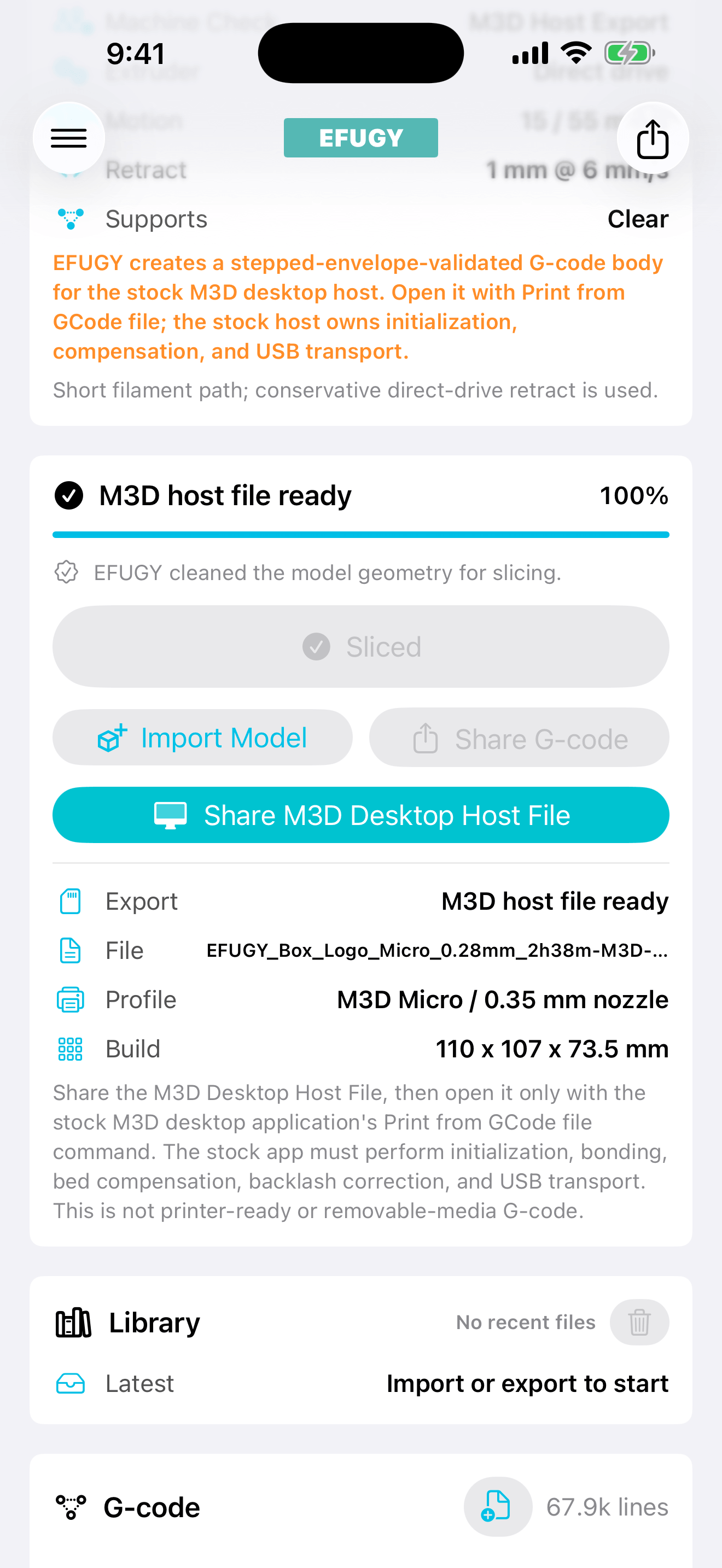
EFUGY can prepare a Desktop Host File for the original M3D Micro and Micro+. The stock M3D desktop app still handles printer setup and USB communication.
What to do:Choose the matching M3D profile, export the Desktop Host File, then open it in the stock desktop app. Do not send generic G-code directly to the printer.
STL and OBJ are models; imported G-code is a toolpath.
STL and OBJ can be placed and sliced. External G-code can be previewed, but it cannot be repositioned or resliced as model geometry.
What to do:Use an STL or OBJ when the job needs slicing changes. Treat imported G-code as machine-specific instructions and verify its source, dimensions, temperatures, motion, and macros.
Imported G-code remains an external file.
Previewing external G-code in EFUGY does not confirm that its commands match the selected printer.
What to do:Keep the original slicer information, review the header and toolpath, and never send an unknown file to a physical printer.
Preview cannot inspect the machine.
EFUGY cannot see loose belts, worn nozzles, wet filament, damaged wiring, incorrect firmware, poor calibration, blocked motion, ventilation, or a modified hotend.
What to do:Inspect the printer, confirm the first layer and temperatures, and supervise the print according to manufacturer and material guidance.